How does the shopping list work?
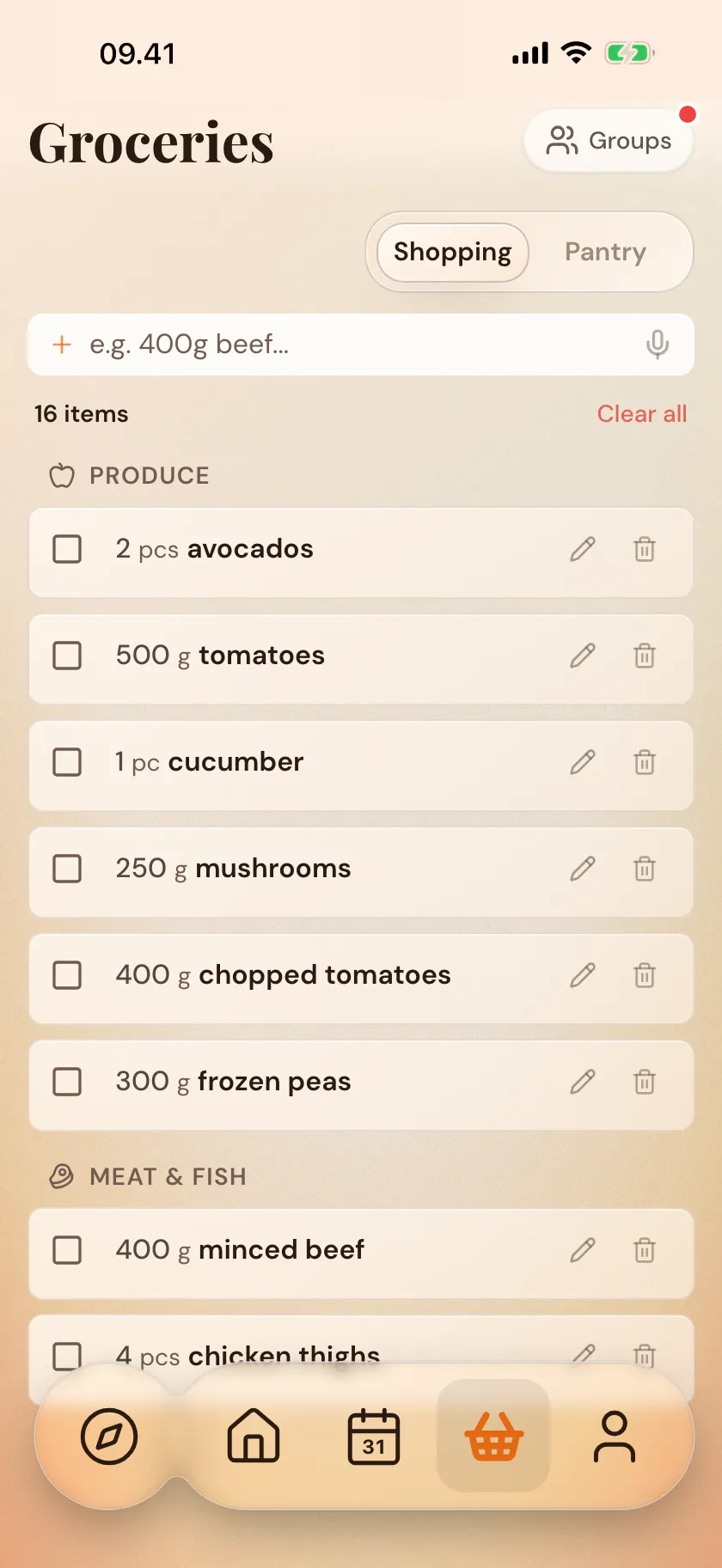
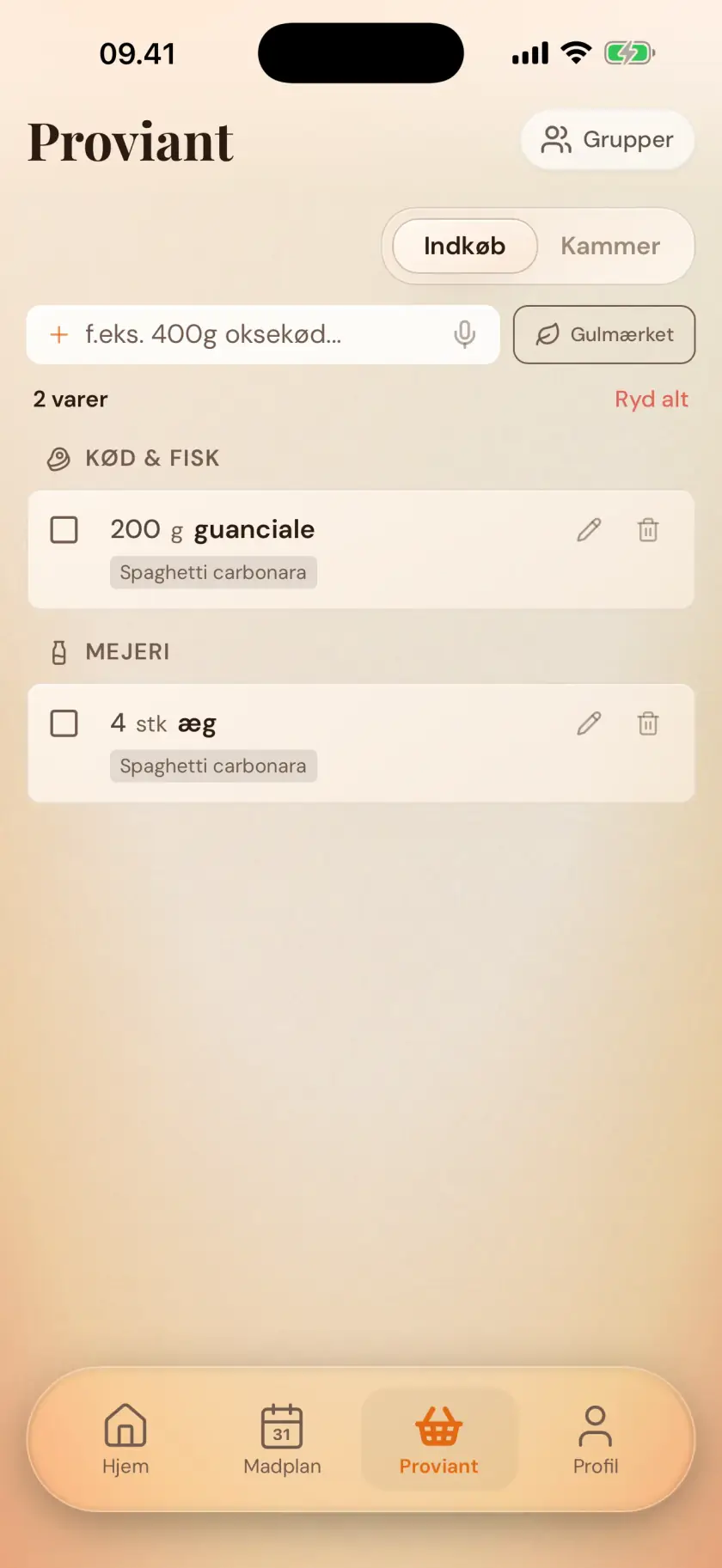
Plan the week's meals, and Zimmer gathers the shopping: combined across recipes and sorted by aisle. One tap on the control at the bottom keeps the list updated from your calendar. The list remembers the amounts you usually buy. You can add anything you're missing yourself.
Can we share one shopping list?
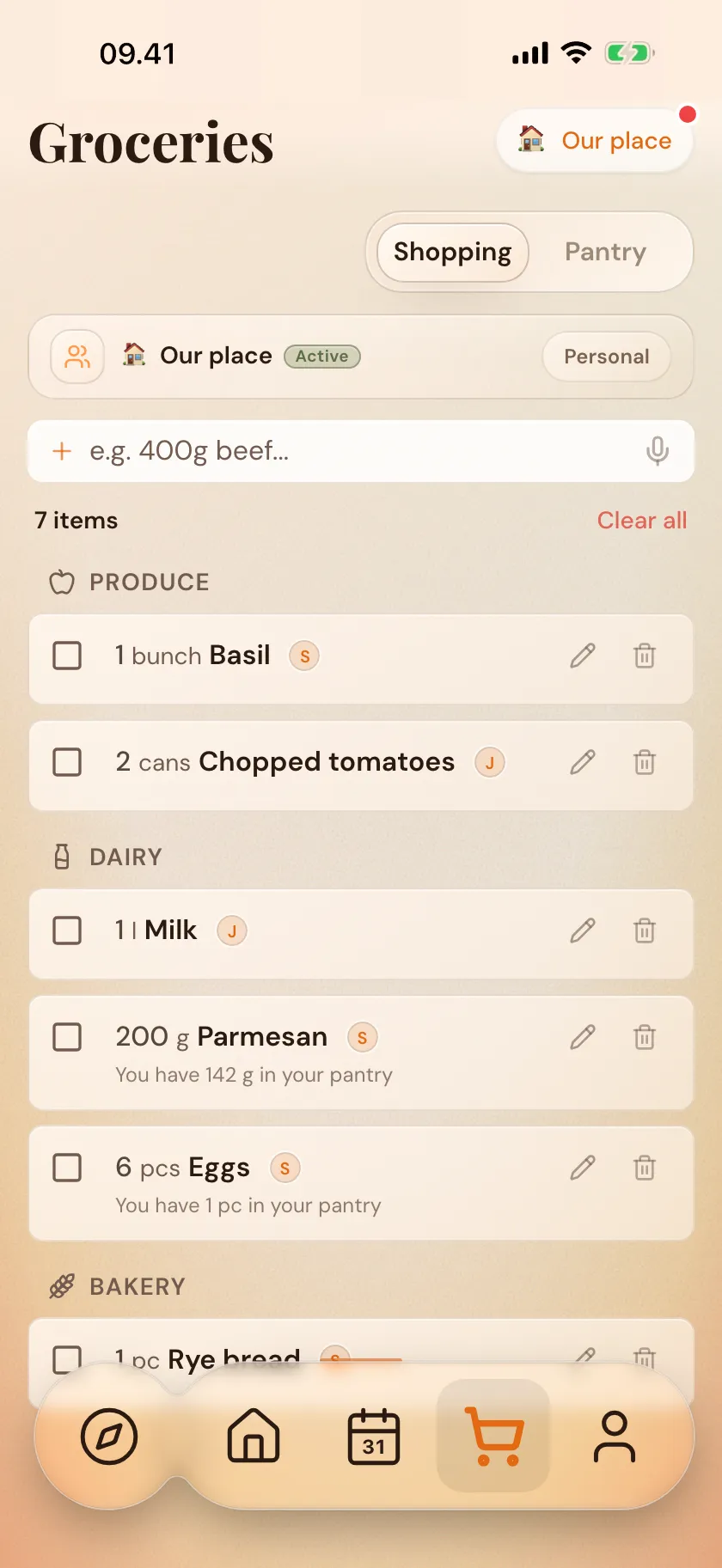
Yes. Share a kitchen with your partner, family, housemates or whoever you shop with. You all see the same shopping list: one person checks off milk, the other sees it right away. More on sharing.
Can I add my own items?
Yes — you can put anything on the list, not just what comes from the recipes. Type an item in the field, or say it out loud, and it lands next to the others. You can edit quantities, merge two lines and check things off however you like, and the list remembers the amounts you usually use.
Are the prices exact?
No, they're estimates. The numbers aren't prices from a specific store, just a general price level so you can see roughly where the week lands. You can turn the level up or down in settings, or turn prices off entirely.
Does Zimmer know what I already have at home?
Yes, if you use the pantry. Scan the receipt after shopping, and the items settle into the pantry on their own. Next time the list gathers from your meal plan, Zimmer subtracts what you already have — so you don't buy a third jar of capers.